

How the read-aloud mode works
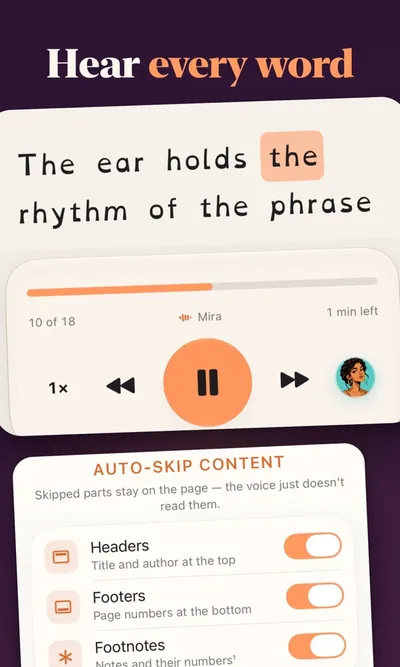
Cloud voices return the start time and length of every word along with the audio. The reader uses those timings to highlight each word at the moment you hear it. Reading and listening at once keeps your attention on the text: when your mind drifts, the moving highlight pulls you back to the right line.
Start anywhere
You do not have to listen from the top. After you generate, the text turns into a read-along view: click any word to jump there and play from that point, for example to re-hear one paragraph after an edit. If you only need a few lines, you can also paste just that part.
Pause, fix, play again
The text stays editable. When the voice trips over a sentence, stop, press Edit text, rewrite it and generate again. A sentence that sounds clumsy aloud usually reads clumsily on the page too.
When is reading aloud useful?
A long email before you send it. Hearing an important message once catches the doubled “the”, the missing “not” and the reply that sounds sharper than you meant. It takes about a minute for a 200-word email at 1×.
An article you have no time to sit with. Paste it, set 1.25× and listen while you tidy your desk. In our test, Ava read 256 words per minute at 1.25×, so a 2,000-word article takes under 8 minutes.
Your own writing. Essays, cover letters and reports are where reading aloud pays off most, because your eyes skip errors your ears do not. The method for students, with a checklist, is on read my essay aloud.
A language you are learning. Choose a voice with the accent you want to copy, slow it to 0.75× and follow the highlighted words.
Choosing a voice and a listening speed
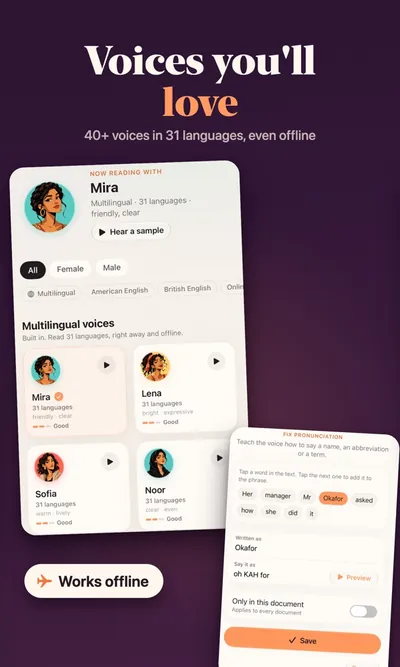
For long listening, pick a voice you can stand for an hour. Several US English voices are tagged for conversation or for storytelling, which may suit long reads better than a news voice. Play the same paragraph with two or three of them; the voices page lists them all with languages and accents.
Speed is personal. At 1.5×, Ava reads about 307 words per minute, so try it first on a topic you already know. The speed and pitch guide shows how each setting changes words per minute.
Reading private text
If the text is confidential, switch to a browser voice. The speech model downloads once and runs on your device, so the text never leaves it. With cloud voices, the text passes through our server to a speech service and is not stored; the full details are in privacy and data.
What this reader does not do
- It does not open web pages from a link, e-books or files. Copy the text in.
- Word highlighting is exact with cloud voices, which send word timings; browser voices highlight by an estimate.
- It runs in the browser: Chrome and Edge can install it as an app, but it stops reading when you close it, and cloud voices need a connection.
- It reads, it does not summarize or translate the text.